Notification settings
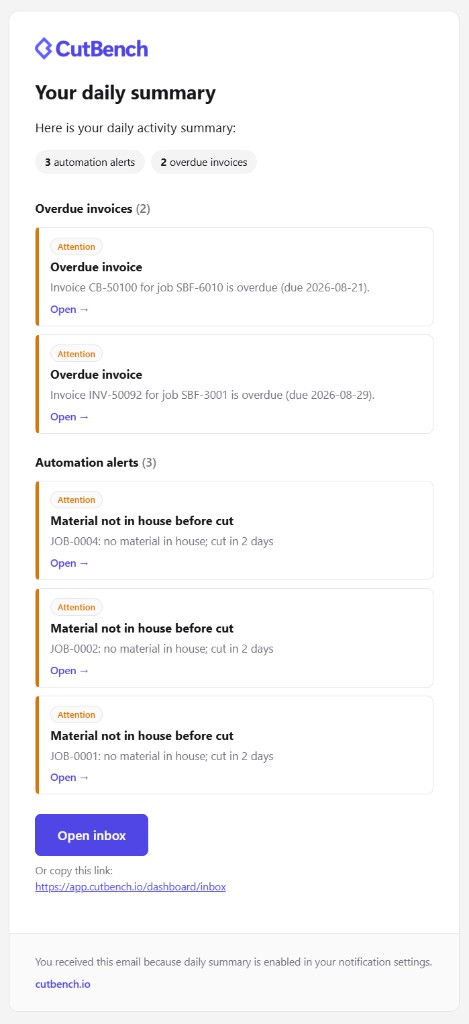
Customise which notifications you receive and through which channels.
Steps
- Go to Settings → Notifications (user settings).
- Toggle each notification type for in-app, email, and push.
- Set Follow jobs by default if you want automatic updates on jobs you interact with.
- Enable mobile push from the dashboard banner if not already on.
Daily summary email
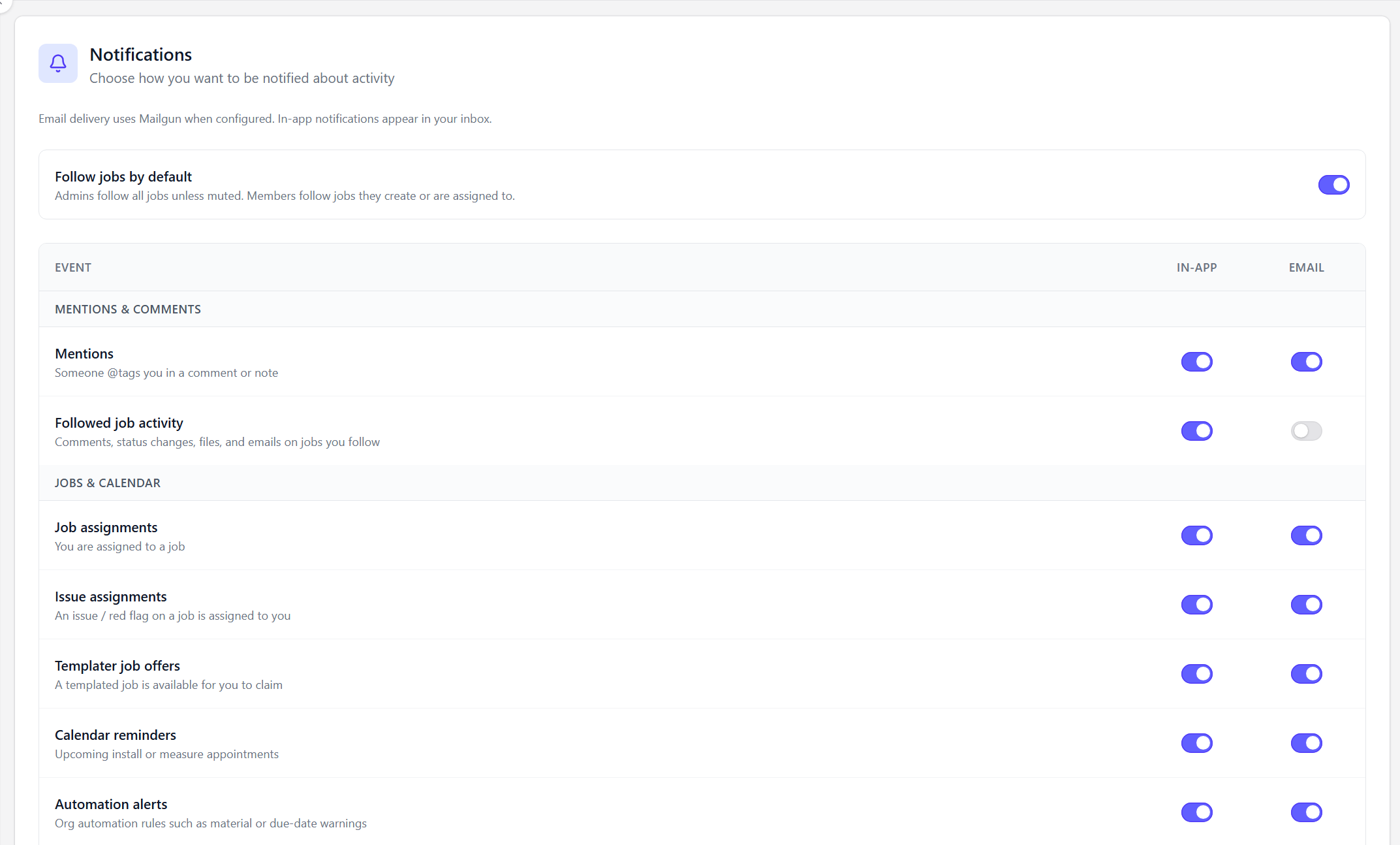
Enable the daily summary when you want one useful email instead of a constant stream of individual alerts. It groups outstanding items such as overdue invoices and automation alerts, with links back to your Inbox.
The summary complements the Today queue: use the email to see what needs attention, then open CutBench to work through the list.