Quote detail
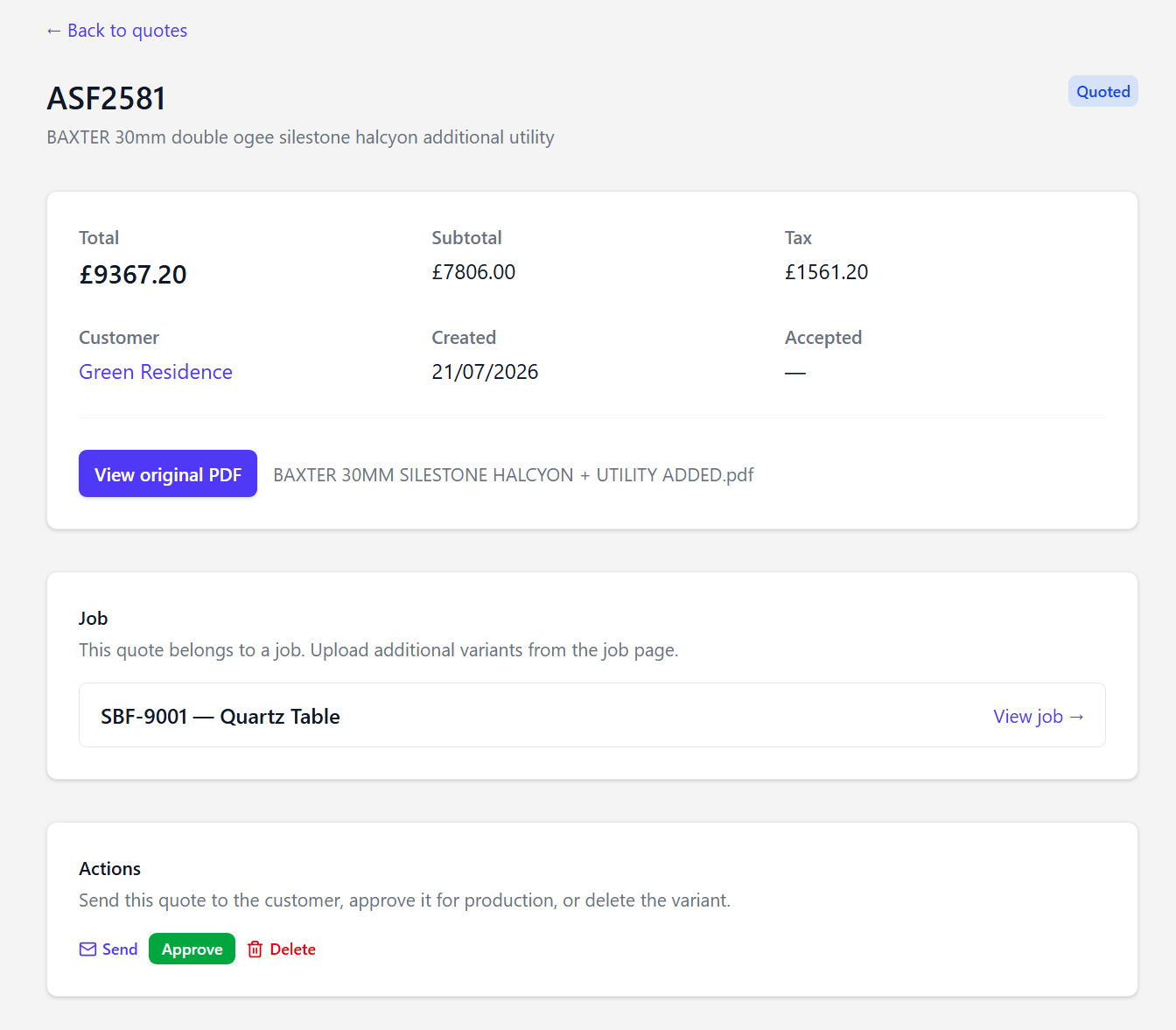
Open any quote to see full line items, totals, status, and linked job/customer.
Available actions
- Edit quote — reopen Quote Studio for draft or quoted native quotes
- Share quote — public link for customer choices (Quote Studio quotes)
- View PDF — generated Quote Studio PDF, or View original PDF for CounterGo imports
- Approve — mark customer acceptance
- Send to customer — email the quote
- Delete — remove draft or unused quotes
- Navigate to the linked job for full context
On Pro, when quote costing is enabled, this page also shows a Cost estimate (template, cut, fit) and live margin. See Quote costs and margin.
/dashboard/quotes/[id])